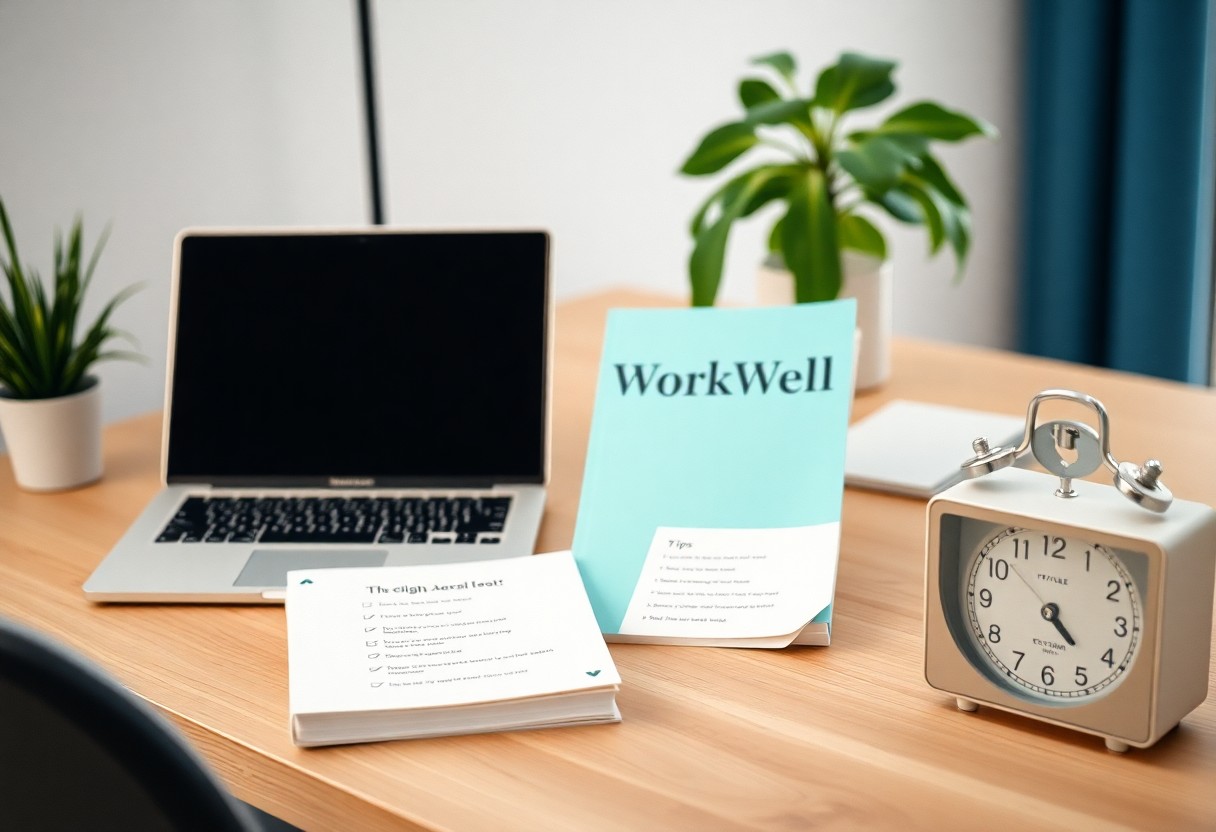
You often find yourself drowning in a sea of digital notifications, emails, and social media updates that can lead to stress and decreased productivity. By incorporating these seven practical strategies, you can regain control over your digital life, enhancing your focus and overall well-being. From setting clear boundaries on screen time to organizing your digital workspace, these tips will empower you to navigate the online world with confidence and reduce overwhelm. Embrace them and transform the way you interact with technology.
Key Takeaways:
- Establish clear boundaries between work and personal screen time.
- Utilize tools and apps that promote focus and minimize distractions.
- Schedule regular breaks to recharge and maintain productivity.
Understanding Digital Overwhelm
Digital overwhelm occurs when the constant barrage of information and notifications leads to feelings of stress and anxiety. You may find yourself juggling multiple devices, apps, and platforms, creating a sense of chaos that hinders your ability to focus. This overwhelming experience can stem from factors such as excessive screen time, an overwhelming number of tasks, or the pressure to stay connected.
Definition and Causes
The term digital overwhelm refers to the state of being inundated with digital distractions that disrupt your mental clarity and productivity. It often arises from excessive notifications, information overload, and the constant need to multitask. Factors such as remote work demands and social media engagement significantly contribute to this overwhelm.
Impact on Productivity and Well-being
Digital overwhelm can severely undermine your productivity and overall well-being. You may experience decreased focus, increased anxiety, and difficulty making decisions. Studies show that workers who face high levels of digital distraction can see their productivity drop by up to 40%. The compounding effects can lead to burnout and overwhelm, making it vital to address these issues effectively.
Investing time in understanding how digital distractions impact your daily functioning can lead to meaningful change. Without intervention, you may find that the constant influx of emails, messages, and alerts not only interrupts your workflow but also affects your mental health. Taking steps to mitigate these distractions is imperative; for instance, utilizing tools that manage notifications or designating specific times to check emails can help create a healthier digital environment. By actively managing your digital intake, you can reclaim your focus and improve both productivity and emotional resilience.
Set Boundaries with Technology
Establishing boundaries with technology is crucial for managing digital overwhelm. This includes knowing when to disconnect and creating a structure around your device usage. By implementing clear guidelines, you can enhance focus and foster a healthier relationship with your screens. Setting limits ensures you take control of your digital experiences rather than becoming a prisoner to them.
Device Usage Limits
Implement device usage limits to control the amount of time you spend on screens. You can use built-in settings or third-party apps to block access to distracting websites or limit social media time. Aim for a balance by allocating specific hours for work and leisure, allowing you to remain productive without succumbing to digital distractions.
Scheduling Downtime
Scheduling downtime helps you regain mental clarity by allowing breaks from technology. Designate specific times during your day for activities that don’t involve screens, such as reading or exercising. This practice not only improves focus but also enriches your personal life outside the digital realm.
Research indicates that taking regular breaks can significantly enhance your productivity and creativity. Allocating at least 30 minutes daily for tech-free activities can drastically reduce stress levels. Engage in hobbies, connect with nature, or practice mindfulness during this time. These breaks serve as an crucial reset, ultimately boosting overall efficiency and well-being.
Prioritize Tasks
To combat digital overwhelm, it’s vital to prioritize your tasks effectively. Begin by identifying what truly matters to you and your goals. This might mean distinguishing between urgent tasks and those that can wait. By focusing on high-impact activities, you can allocate your energy better and reduce feelings of overwhelm. A well-structured priority list helps you tackle your workload systematically, ensuring that you make meaningful progress each day.
The Importance of Focus
Focusing on one task at a time boosts your productivity significantly. Multitasking often leads to errors and decreased efficiency, making it hard to maintain momentum. By dedicating your attention fully to a single task, you not only complete it faster but also enhance the quality of your work, ultimately leading to greater satisfaction and achievement.
Tools for Effective Prioritization
Utilizing the right tools can streamline your prioritization process. Methods like the Eisenhower Matrix help you categorize tasks into four quadrants based on urgency and importance. Project management apps such as Trello or Asana allow you to visualize your tasks and deadlines, keeping your priorities clear. Additionally, time-blocking techniques can ensure you dedicate focused time periods to tackle your highest priority items, further enhancing your efficiency.
Tools like Todoist and Notion combine task management with scheduling, offering seamless integration of your priorities within your daily agenda. Employing color-coded systems in these applications allows for quick visual reference to maintain your focus on critical tasks. Data shows that individuals who utilize systematic approaches to prioritize their responsibilities report significantly lower levels of stress and higher productivity rates. By leveraging these technologies, you set yourself up for success, reducing digital clutter and increasing clarity in your work.
Cultivate Mindfulness
To effectively manage digital overwhelm, cultivating mindfulness is vital. Engaging in mindfulness practices allows you to stay present, reducing stress and enhancing your ability to concentrate. Incorporate mindfulness into your daily routine by setting aside dedicated time for reflection, meditation, or deep breathing. These techniques can help ground you amidst the chaos of constant notifications and distractions. For more insights, check out 7 tips to prevent burnout and improve wellness working from home.
Mindful Media Consumption
Mindful media consumption allows you to take control of your digital experience rather than letting it control you. This involves actively choosing what content you engage with, limiting exposure to negative news and social media overload. Curate your online interactions to include only positive, informative, or inspiring sources, fostering a healthier digital environment.
Practices to Enhance Focus
Integrating practices to enhance focus can significantly decrease feelings of digital overwhelm. Techniques such as the Pomodoro Technique, where you work for 25 minutes followed by a 5-minute break, can sustain your attention while preventing burnout. Additionally, creating a distraction-free workspace and utilizing apps that limit social media use during work hours can bolster your concentration. Prioritizing deep work sessions where you tackle demanding tasks without interruptions develops your ability to focus, which is vital in our fast-paced digital world.
Organize Digital Spaces
Effective digital organization can significantly reduce overwhelm and improve productivity. Ensuring your online spaces are tidy won’t just streamline your workflow; it can also enhance your focus. Start by categorizing your files, utilizing folders, and adopting consistent naming conventions. This will make it easier for you to locate documents and minimize time spent searching through cluttered drives or email accounts.
Decluttering Digital Files
Begin your decluttering process by evaluating what you really need. Identify obsolete files, duplicates, and those projects that are no longer relevant. Aim to purge at least 30% of your files every few months, simplifying your digital life. An organized file system decreases distraction and enhances your ability to access important information swiftly.
Using Management Tools
Take advantage of project management tools like Trello or Asana for enhanced organization. These platforms allow you to centralize tasks, deadlines, and collaboration in one place, minimizing scattered notes and reminders. By using visual boards or timeline features, you gain clarity on priorities, progress, and next steps, making it easier to keep track of your commitments.
Management tools offer more than just a place to list tasks; they enable you to break projects down into manageable subtasks while establishing timelines. Utilizing features like reminders or notifications can help keep you accountable. For instance, Asana’s timeline view presents a visual representation of your project, allowing you to spot bottlenecks instantly. Integrating these tools into your routine can fundamentally change how you approach your workload, leading to increased efficiency and decreased overwhelm in your daily tasks.
Leverage Technology Wisely
You can significantly reduce digital overwhelm by utilizing technology effectively. Instead of blindly using tools, assess how each one fits into your workflow and supports your goals. The right technology should simplify your tasks rather than complicate them, helping you maintain focus and enhance productivity without added stress.
Selecting the Right Tools
Your choice of technology can greatly influence your efficiency. Identify tools that align with your specific needs, such as project management software like Asana or communication platforms like Slack. Focus on tools offering integrations, ease of use, and the ability to streamline your decisions, making your work smoother and less chaotic.
Automation and Efficiency
Integrating automation into your daily processes can save considerable time and effort. Tasks like email sorting, social media posting, or data entry can be automated using tools like Zapier or IFTTT, freeing you to concentrate on higher-value activities. This not only reduces overwhelm but also enhances your overall productivity.
For example, automating your email responses can cut down on time spent sorting through your inbox. When using tools like Boomerang, you can set reminders for follow-ups or schedule emails to be sent at optimal times. Consider that 41% of your workweek is wasted on unproductive meetings; utilizing scheduling tools like Calendly can eliminate the back-and-forth. Streamlining these repetitive tasks not only gives you back valuable hours but also helps in fostering focus on strategic initiatives, resulting in a more effective working environment.
Final Words
Upon reflecting on the strategies presented in WorkWell, you now have the tools to effectively decrease digital overwhelm in your life. By prioritizing tasks, setting boundaries, and utilizing technology mindfully, you can reclaim your focus and enhance your productivity. Embrace these seven approaches to create a more balanced relationship with your digital environment, ultimately fostering a healthier, more fulfilling work experience. Your well-being deserves this investment.
FAQ
Q: What is “WorkWell – 7 Ways to Decrease Digital Overwhelm”?
A: “WorkWell – 7 Ways to Decrease Digital Overwhelm” is a guide designed to help individuals manage their digital workload effectively. It offers practical strategies to reduce stress associated with technology use and enhance productivity.
Q: What are some strategies included in the guide?
A: The guide includes strategies such as setting boundaries for technology use, organizing digital files, prioritizing tasks, taking scheduled breaks, and minimizing distractions from notifications.
Q: How can I implement these strategies in my daily routine?
A: To implement these strategies, start by evaluating your current digital habits. Then, apply one strategy at a time, such as turning off non-imperative notifications or setting specific hours for checking emails, to gradually create a more manageable digital environment.
Leave a Reply