
You must confront the “always-on” work culture proactively: set explicit boundaries, limit after-hours messages, and model downtime so your team can recover. Constant connectivity drives burnout, reduces focus, and risks staff turnover, but enforcing clear work hours and asynchronous workflows improves wellbeing and productivity. Use policies, tooling, and leadership signals to protect your time and performance.
Key Takeaways:
- Define and communicate boundaries: set core hours, clarify after-hours response expectations, and enforce no-contact rules for approved time off.
- Lead by example and align incentives: managers model disconnecting, performance is judged by outcomes not hours, and policies are consistently enforced.
- Enable asynchronous work and monitor wellbeing: standardize channels and status usage, train teams on prioritization, and track employee burnout and engagement metrics.
Understanding “Always On” Work Culture
When constant connectivity becomes the norm, you face a mix of explicit policies and unspoken expectations that keep people tethered to work outside scheduled hours. Smartphones, collaboration platforms, and global teams create pressure to respond across time zones; in response, jurisdictions like France passed a “right to disconnect” law in 2017, showing regulatory pushback. You should track which norms drive after-hours contact so you can target interventions at the behaviors, not just the tools.
Definition and Characteristics
The culture is defined by blurred boundaries, persistent notifications, and metrics that reward responsiveness over deep focus; you’ll see asynchronous work misinterpreted as 24/7 availability. Typical signs include habitual checking of email outside core hours, expectations of sub-hour replies, rotating on-call duties without recovery windows, and leaders modeling constant availability. Case examples include multinational teams scheduling meetings across five+ time zones, which compounds the pressure to be always reachable.
Impact on Employee Wellbeing
Exposure to an always-on rhythm raises stress and burnout risk: the WHO lists burnout as an occupational phenomenon linked to chronic workplace stress, and high-stress sectors report burnout rates of 40-50% in some studies. You’ll notice increased fatigue, disrupted sleep cycles, and reduced cognitive performance, which translate into lower engagement and higher error rates-so this isn’t just personal strain, it erodes organizational capacity.
Digging deeper, you can quantify harm by measuring after-hours email volume, average response times, and pulse-survey scores for exhaustion and detachment; these metrics often reveal hidden load. Practical signals include rising sick days and declining NPS scores from employees. Positive precedents exist: Microsoft Japan’s 2019 four-day workweek trial produced a roughly 40% productivity bump, showing that targeted changes can restore wellbeing while improving outcomes.
Identifying the Causes
You can pinpoint the drivers of the “always-on” problem to overlapping tech, management norms, and policy gaps: smartphones and cloud tools make you reachable 24/7, leaders who message after hours set expectations, and few contracts limit scope. France’s 2017 “right to disconnect” law and company trials show policy can change behavior; for practical guidance see How to Survive (and Thrive) in the “Always On” Work Culture.
Technology and Connectivity
Your device ecosystem fuels intrusion: with 81% of adults owning a smartphone (Pew, 2019) and UC Irvine research showing it can take ~23 minutes to resume tasks after interruptions, push notifications and always-on apps amplify cognitive load. You should audit tools (email, chat, monitoring), set notification rules, and use delayed-send or “do not disturb” to reduce dozens of daily task switches that erode focus and increase error rates.
Organizational Expectations
Your leadership signals and performance metrics shape norms: when managers reply at night, employees match them; formal policies rarely exist to counter that. Manager behavior is the single biggest driver-introduce explicit SLAs (e.g., 24-hour response for non-urgent emails), require leaders to model boundary-compliant behavior, and track after-hours message volume to measure change.
More concretely, you can quantify expectations: set core hours (e.g., 10:00-16:00), cap email response SLAs, and mandate delayed-send for messages outside work windows; pilot a 30% reduction target for after-hours communications and report weekly. Use audits and anonymized surveys to show progress and hold managers accountable-policy plus measurement reduces burnout risk and weekend work spillover.
Consequences of an “Always On” Mindset
Accepting constant availability drives measurable harms: you face higher burnout, greater turnover, and more health risks. For example, the WHO and ILO link working 55+ hours/week to a 35% higher risk of stroke and ischemic heart disease, while companies report elevated sick leave and engagement drops when after-hours contact is normalized. These outcomes translate into direct costs-recruiting, lost days, and degraded team morale-so the “always on” expectation undermines both wellbeing and the bottom line.
Mental Health Issues
You experience more anxiety, insomnia, and burnout when boundaries collapse; a Gallup survey found about 23% of employees felt burned out very often or always. Persistent after-hours messaging prevents psychological detachment, increases rumination, and raises the likelihood of clinical depression and anxiety over time. If you skip recovery, your emotional regulation and interpersonal patience also deteriorate, creating a feedback loop that harms relationships and retention.
Decreased Productivity
You may think more hours equal more output, but productivity per hour falls as work time extends; performance typically drops after roughly 50 hours/week. Microsoft Japan’s reduced-workweek trial showed a 40% productivity boost with fewer meeting days, proving smarter boundaries often yield better results. Chronic interruptions and evening work fragment focus, so total output-and quality-declines despite longer logged hours.
Digging deeper, context switching and decision fatigue are major drivers: task-switching can consume up to 40% of productive time and increases error rates, which leads to costly rework. You also lose deep-work blocks imperative for complex problem solving; when meetings and messages spill into evenings, cycle time for projects lengthens and innovation stalls. Track metrics like defects per release, average time-to-complete complex tasks, and rework hours to quantify the productivity hit and justify boundary changes.
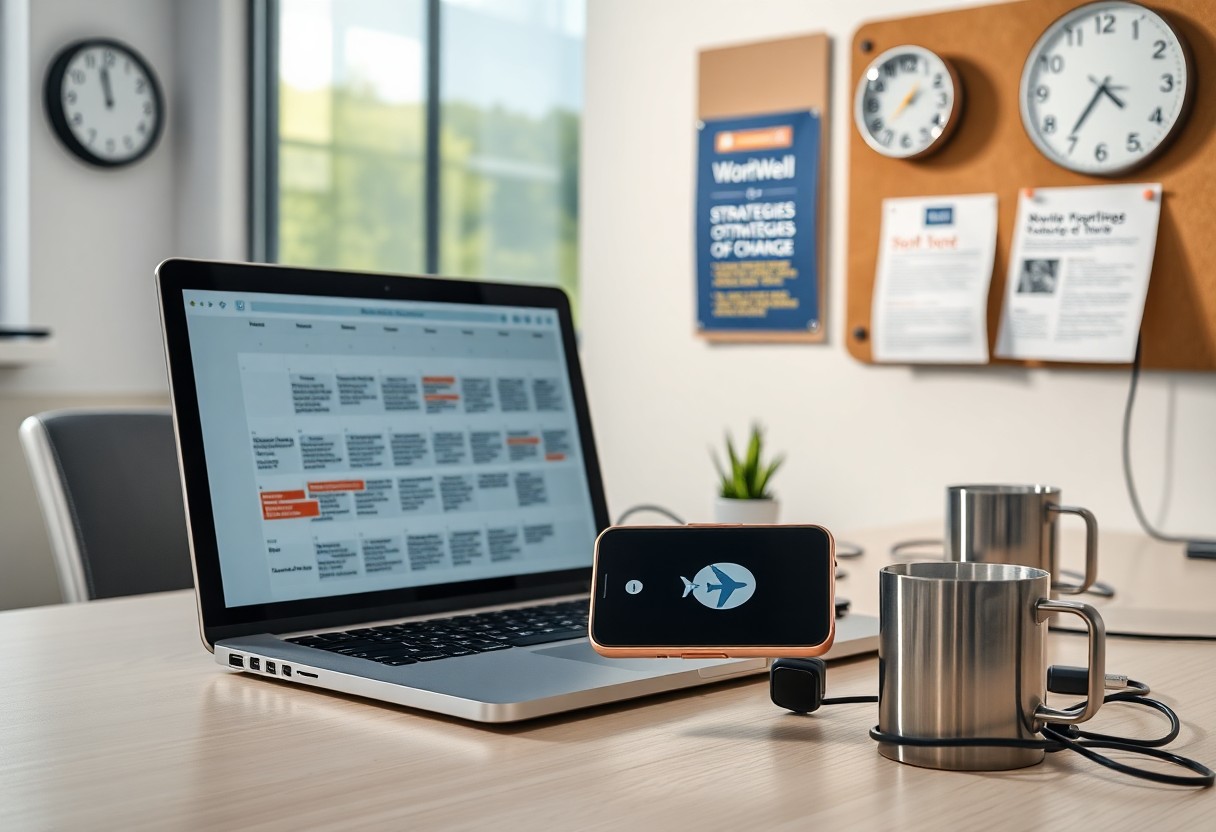
Strategies for Change
Push policies that change behavior: adopt a written right to disconnect approach (France enacted one in 2017), set a 24-hour SLA for non-urgent replies, audit after-hours message volume monthly, and have managers model boundaries by switching off notifications. You can pilot a 3-month trial, track reductions in late-night messages, and use that data to enforce consequences for repeat violations.
Implementing Boundaries
Set clear core hours (for example 10:00-16:00), require meetings inside them, and enable after-hours auto-responders that state response timelines. You should turn off push notifications, train teams on prioritization, and monitor weekly after-hours message counts so you can adjust rules based on measured behavior.
Encouraging Downtime
Institute meeting-free days or no-meeting afternoons, require managers to block focus time, and mandate periods of PTO such as at least one uninterrupted five-day leave each year. You must also offer small incentives-stipends for wellness or offline activities-to reinforce that full disconnecting is valued.
Define emergencies with concrete examples (system outages, client-critical deadlines) and create an escalation path-on-call rota and clear contact hierarchy-so team members know when to interrupt. Pilot a 6-week “no-email weekend,” survey stress and productivity before/after, and publish results to build buy-in for scaling successful practices.
Leadership’s Role
As a leader, you set the tone: when you stop answering emails at 7pm, your team feels permitted to do the same. Implement measurable rules-set core hours (e.g., 10:00-15:00), enforce a 24‑hour response SLA for non‑urgent messages, and track output, not screen time. Research shows productivity per hour declines after ~50-55 weekly hours, so your policies should limit chronic overwork to protect performance and wellbeing.
Leading by Example
You demonstrate acceptable behavior by visibly following the rules: leave your calendar unavailable after core hours, set an out‑of‑office policy for nights, and decline late meetings. If you take regular downtime and report results instead of hours, your team will emulate you. Try a one‑week pilot where leadership avoids messages after 7pm and measure PTO usage and response times to validate impact.
Fostering a Supportive Environment
Mandate manager training on workload conversations and equip teams with tools: enforce no‑contact windows, create escalation rules for urgent issues, and offer an Employee Assistance Program with a 24/7 helpline. You can require managers to hold monthly “workload check” 1:1s and report red flags, reducing hidden overtime and creating a clearer view of team stressors.
Operationalize support by tracking concrete metrics: monitor average weekly hours, frequency of after‑hours messages, and PTO uptake. Roll out a pilot-like Microsoft Japan’s 2019 4‑day workweek that improved productivity by 40%-and compare output, error rates, and engagement scores. Assign a manager to act on data and trigger interventions when overtime trends exceed a threshold (for example, >10% of team logging 50+ hours/week).
Best Practices for Employees
Adopt firm, testable habits: block core hours on your calendar (for example, 10:00-16:00), reserve two uninterrupted hours daily for deep work, and set a personal weekly cap (start at 45 hours) to monitor fatigue. Use scheduled sending, clear status messages, and push managers to model after-hours silence so you can disengage without negative signals.
Managing Notifications
Disable nonimportant push alerts and set app priorities so only your manager or designated emergency contacts can interrupt after hours. Limit inbox checks to three fixed times-morning, after lunch, late afternoon-to cut context switching; one internal pilot reduced nightly replies by ~30%. Use “Do Not Disturb” 21:00-07:00 and whitelist exceptions sparingly.
Prioritizing Work-Life Balance
Block personal time as immovable meetings: schedule 30-60 minutes daily and enforce tech-free windows (e.g., 20:00-07:00). Track your hours for two weeks, aim to stay below 50 hours/week since productivity drops beyond that, and escalate recurring after-hours tasks to your manager for redistribution.
When you negotiate boundaries, bring evidence: show a two-week time log highlighting after-hours spikes and propose concrete fixes-shifting meeting times, consolidating recurring calls, or adopting async updates. Cite France’s 2017 “right to disconnect” precedent if useful and review your time logs weekly; small, data-backed changes can pull your average toward 40 hours and reduce burnout.
Final Words
Hence you must set boundaries, model offline behavior, and redesign workflows so your team can disconnect without productivity loss. Implement clear policies, scheduled focus time, and measurable outcomes; enforce them consistently and lead by example. By prioritizing predictable work rhythms and tracking results instead of hours, you protect your team’s wellbeing and sustain long-term performance.
FAQ
Q: What does “always on” work culture look like and how can I identify it in my organization?
A: “Always on” culture shows up as persistent after-hours communication, expectations of instant responses, regular unpaid overtime, low PTO usage, and meetings scheduled across personal time zones. To identify it, run an evidence-based audit: analyze email and messaging timestamps for after-hours activity, review time-tracking/overtime data, survey employees about boundaries and stress, and interview managers about workload distribution and escalation patterns. Red flags include high rates of messages sent outside core hours, declining PTO uptake, rising sick leave, and frequent ad-hoc tasks that bypass planning.
Q: What concrete policies and leader behaviors reduce “always on” expectations?
A: Implement clear communication norms (e.g., no non-urgent messages between defined off-hours), adopt an async-first approach, set core collaboration hours, and limit meetings to those blocks. Require managers to model boundaries by avoiding late-night emails and by using scheduled-send or status messages. Create escalation rules that distinguish emergencies from routine work, mandate regular focus blocks on calendars, and align performance metrics to outcomes rather than availability. Roll out changes with team-level pilots, manager training, and documented guidelines so expectations are consistent across the company.
Q: How can we support employees through the transition and measure whether the culture is improving?
A: Provide manager training on workload planning, offer mental health resources and flexible scheduling, and ensure staffing levels allow realistic workloads (backfill or redistribute work where needed). Track progress with quantitative and qualitative measures: pulse surveys (monthly/quarterly) on work-life balance, after-hours message volume, average daily/weekly hours, PTO usage, overtime claims, and attrition rates. Tie manager evaluations and team OKRs to these indicators, review results regularly, and iterate policies based on feedback. Immediate wins include enforcing “no-meeting” days, encouraging use of do-not-disturb, and normalizing full-day PTO without checking in.
Leave a Reply